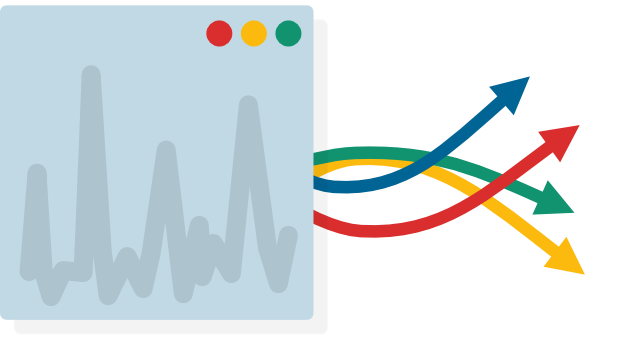
Building real applications, you'll find yourself wanting to perform long-running tasks. For example, your application might need to interact with remote APIs or perform complex calculations.
But you'll notice a problem: while the long-running task completes, your app will become unresponsive. Your code blocks Qt from running until it returns.
In these tutorials we'll discover how to use threads & processes to long-running tasks while keeping your app responsive.
- Learn how to execute long-running tasks using a thread pool and send and receive data
- Execute external programs in another process and communicate with them with streams